 English
 العربية
 Deutsch
 Español
 Français
 Italiano
 Português
 Русский
 Türkçe
 Tiếng Việt
Create Custom QR Codes Trackable Codes in Seconds
QR code generator
Bridging the gap between offline and online media is crucial for success. Whether you’re a marketer, small business owner, educator, or event planner, you’ve likely encountered the need to share a link quickly without typing a long URL. The solution? A QR code generator. These powerful tools turn any text, link, or contact detail into a scannable code that smartphones can read instantly.
Platforms like Yono-TV offer a dedicated qr code generator that simplifies this process. In this comprehensive guide, we’ll explore what QR code generators are, how to use them effectively, who benefits from them, and why they are essential for modern communication. We’ll also share pro tips for designing high-quality QR codes that get results.
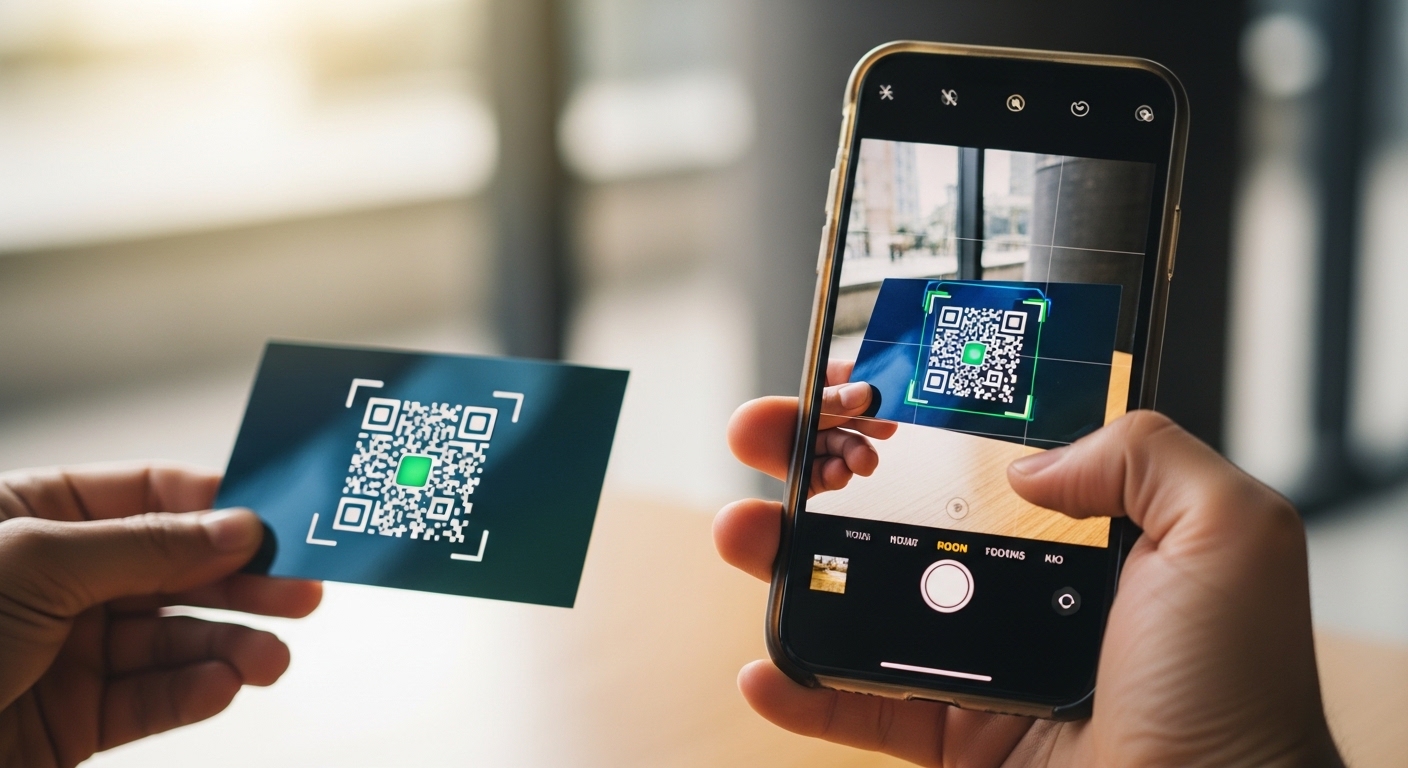
What Exactly is a QR Code Generator?
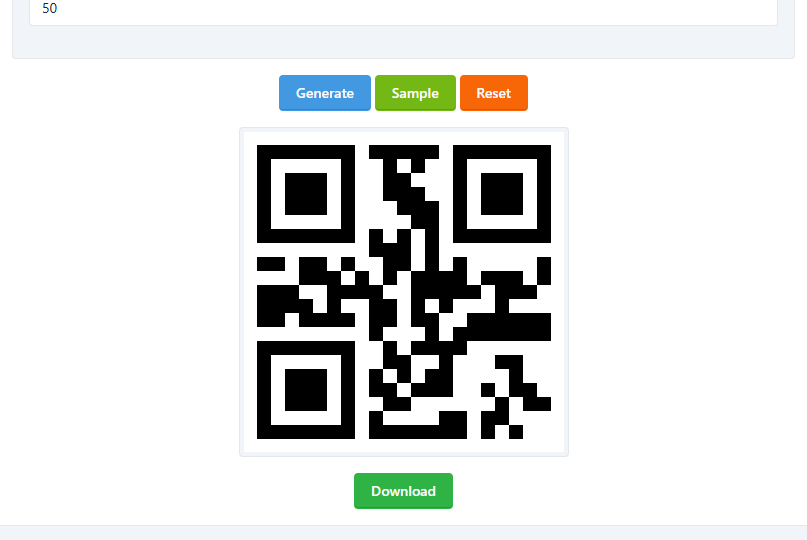
QR code generator is an online utility that converts information. Such as a website URL, email address, phone number, or Wi-Fi credentials into a Quick Response (QR) code. These codes consist of black squares arranged on a white grid. When scanned with a smartphone camera or QR reader app, the code instantly triggers an action, like opening a webpage or saving a contact.
Modern QR code tools, like the one offered by Yono-TV, are fast, free, and require no technical skills. You don’t need to install software or create an account. Simply enter your content, customize the size and style, and download the QR code in PNG or SVG format.
Why does this matter? QR codes eliminate friction. Instead of asking someone to type a long URL, they scan and go. This convenience increases engagement, tracks marketing campaign effectiveness, and enhances user experience across both print and digital media.
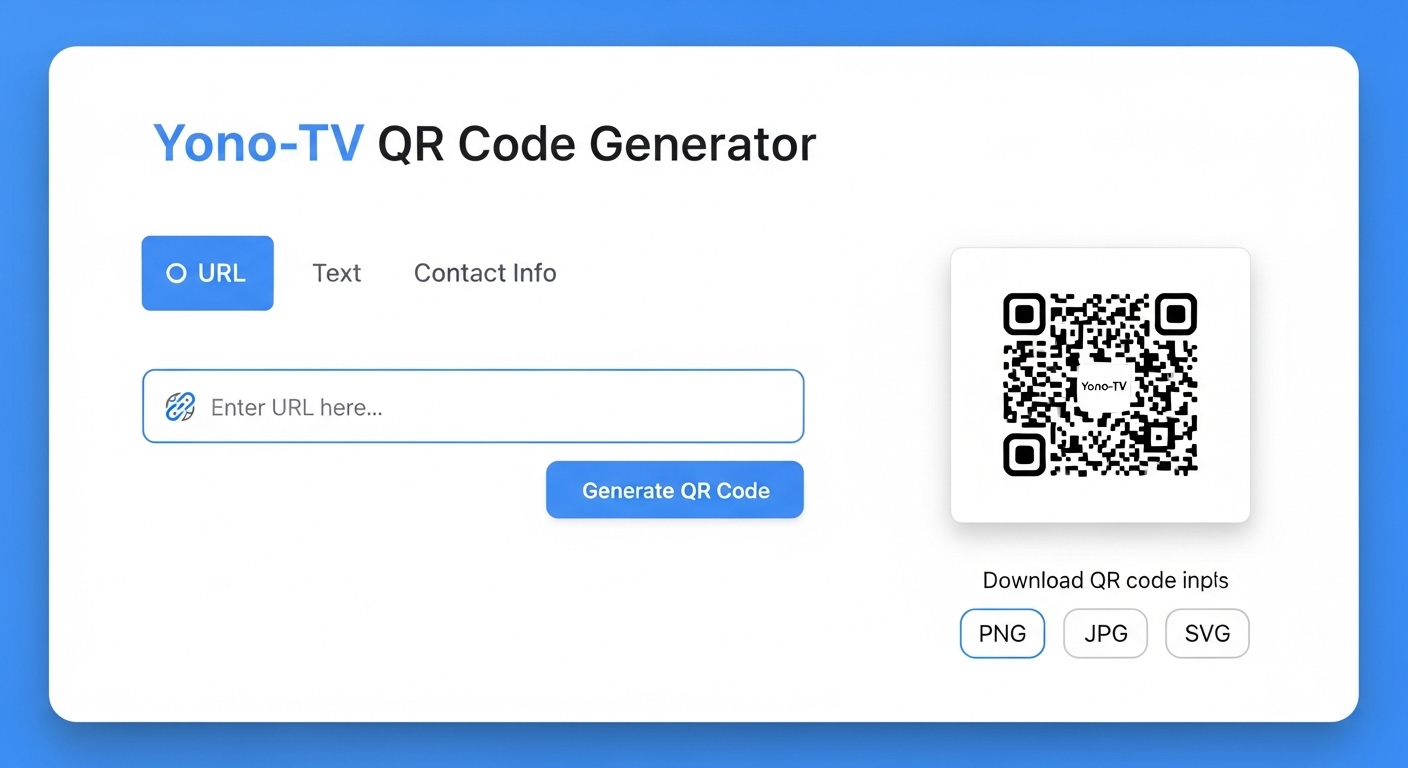
How to Create Custom QR Codes in 3 Simple Steps
Creating a QR code has never been easier. Using a reliable free QR code tool, you can generate a scannable code in less than a minute. Here’s a step-by-step breakdown based on the process from Yono-TV’s generator:
Step 1: Enter Your Content
Think about what action you want users to take. The tool supports multiple content types:
-
Website URLs (your homepage, a product page, a sign-up form)
-
Plain text (a discount code, a short message)
-
Email address (opens a pre-addressed email)
-
Phone number (prompts a call)
-
Location link (opens Google Maps)
-
vCard / contact info (saves directly to phone contacts)
-
Wi-Fi access credentials (connects users to your network without typing a password)
💡 Pro Tip: Use a link shortener (like bit.ly) before generating your QR code. Short URLs create cleaner, less dense QR codes that are easier to scan, especially on small surfaces.
Step 2: Customize Size & Style
While not all generators offer customization, advanced ones like Yono-TV let you adjust:
-
Image size (small for business cards, large for billboards)
-
Style (though color and logo addition may vary, standard black-and-white ensures maximum scannability)
For the best results, keep high contrast. A black QR code on a white background is always the most reliable.
Step 3: Download and Use
Once generated, download your QR code as a PNG (for web use, emails, and social media) or SVG (scalable vector graphic for print materials like brochures, posters, and banners). SVG files retain quality at any size—perfect for large-format printing.
Supported Content Types: More Than Just URLs
A versatile QR code generator supports various data formats. Here’s why each type is useful:
| Content Type | Best Use Case |
|---|---|
| Website URL | Direct traffic to a landing page, portfolio, or online store. |
| Email address | Encourage newsletter signups or customer support inquiries. |
| Phone number | Let customers call your business instantly from a flyer or ad. |
| Location link | Help event attendees find the venue on Google Maps. |
| vCard | Exchange contact details seamlessly at networking events. |
| Wi-Fi credentials | Offer guests easy internet access in cafes, hotels, or offices. |
By using the right content type, you reduce friction and improve the user journey from offline touchpoints to online actions.
Key Features to Look For in a QR Code Tool
Not all QR code tools are created equal. Based on the Yono-TV generator, here are essential features that make a tool stand out:
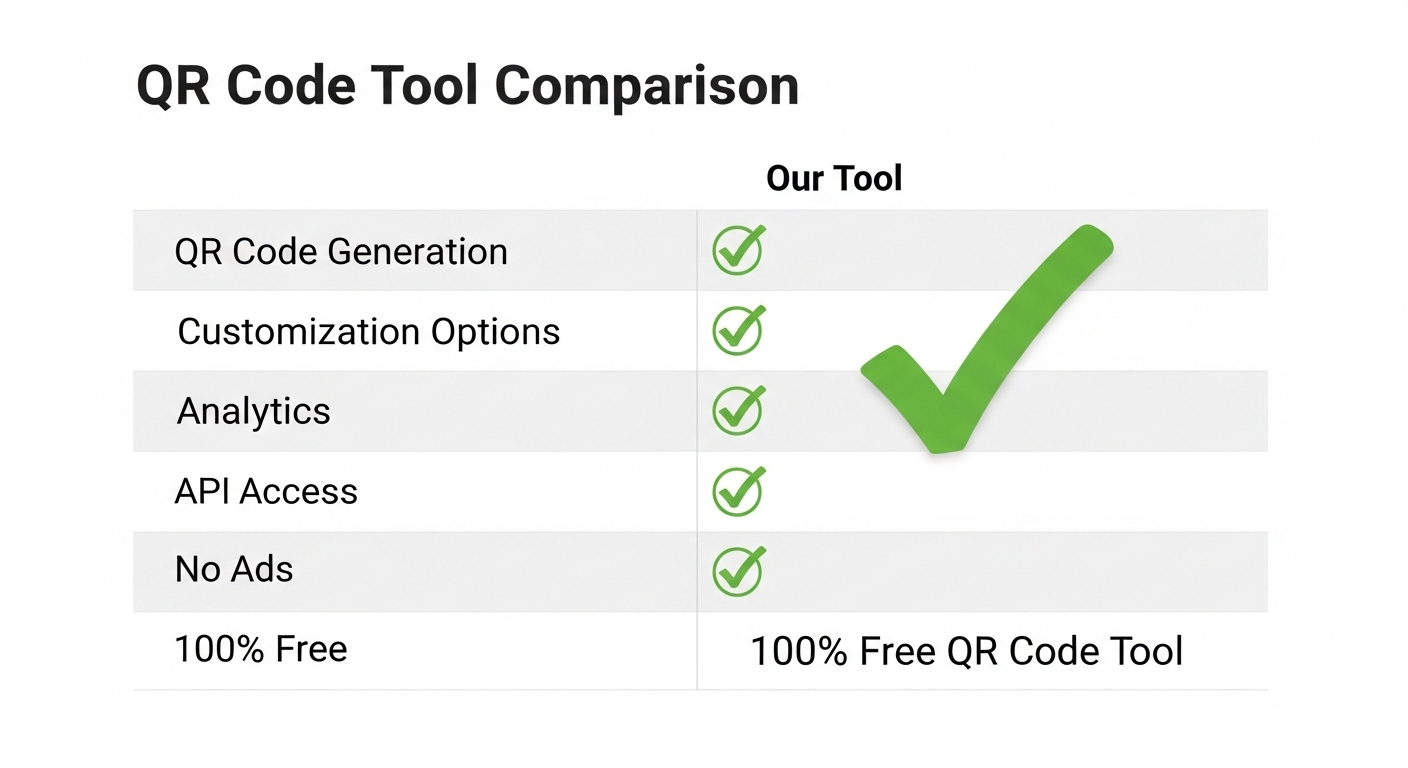
✅ Instant generation – No waiting or processing delays.
✅ Multiple content options – URLs, text, contact, Wi-Fi, and more.
✅ Custom size settings – Control the resolution for different use cases.
✅ Download as PNG or SVG – PNG for digital, SVG for high-quality print.
✅ Works on all devices – Mobile-friendly, no app installation required.
✅ 100% free – No hidden fees, watermarks, or subscription traps.
✅ No login or data storage – Privacy-focused; your data isn’t saved on servers.
Who Should Use a QR Code Generator?
QR codes are universally useful. Here’s how different professionals benefit:
📊 Marketers & Advertisers
Track campaign engagement by placing QR codes on print ads, billboards, and product packaging. Use unique codes for different channels to measure effectiveness.
🧑💻 Business Owners
Add QR codes to receipts, window signs, or table tents to collect reviews, share menus, or offer loyalty rewards.
📚 Students & Educators
Link QR codes to supplementary videos, quizzes, or reading materials in handouts or classroom posters.
👤 Event Organizers
Simplify check-ins with QR-coded tickets. Share event schedules, maps, or feedback forms instantly.
🖨️ Designers & Printers
Offer QR code integration as a value-added service for clients’ business cards, brochures, and banners.

Manual Creation vs. QR Code Generator: Why Tools Win
Before online generators, creating QR codes required technical know-how and specialized software. Here’s why that manual approach fails compared to modern solutions:
| Manual Creation (❌) | QR Generator (✅) |
|---|---|
| Hard & technical | One-click generate |
| Needs software installation | Online & free, no download |
| Time-consuming | Instant results |
| Prone to errors | Accurate every time |
| Difficult to resize | Custom size settings available |
Using a dedicated QR code generator saves time, reduces frustration, and ensures professional-quality results.
Safe & Simple: Privacy Matters
When using an online QR code tool, security and privacy are legitimate concerns. The best generators, including Yono-TV’s, prioritize user safety:
-
No login required – You don’t need to create an account or provide personal information.
-
No data storage – Your content is processed on the fly and not saved on servers.
-
Secure connection – HTTPS encryption protects your data during transmission.
Always avoid generators that ask for excessive permissions or claim to track scans without disclosing how. For basic QR code creation, choose a tool that is transparent about its privacy policy.
Pro Tips for High-Quality, Scannable QR Codes
Creating a QR code is easy, but creating one that actually scans reliably takes a little know-how. Follow these expert tips:
✔️ Use short URLs – Long links create dense, complex QR codes that may be harder for older phone cameras to read. Shorten them first.
✔️ Add a logo (if supported) – Some advanced generators allow you to place a small logo in the center. This increases brand recognition but test it thoroughly—logos can interfere with scanning.
✔️ Test before printing – Always scan your QR code with multiple devices and different lighting conditions before mass-producing materials.
✔️ Maintain high contrast – Never invert colors (white on black) unless you have a high-resolution printer and have tested it. Stick to black on white for critical applications.
✔️ Use high resolution for large prints – When downloading for a banner or billboard, choose SVG format to ensure the code remains sharp at any size.
✔️ Leave quiet space – Ensure there is blank space (at least 4 times the size of one square module) around the QR code. This helps scanners detect the code’s edges.
Frequently Asked Questions (FAQ)
❓ Is it really free to generate QR codes?
👉 Yes, platforms like Yono-TV offer 100% free QR code generation with no hidden costs or watermarks.
❓ Can I customize the content after generating the code?
👉 No, QR codes are static. Once generated, the data is fixed. If you need to change the URL or text, you must create a new QR code. For editable destinations, use a QR code that points to a short link you control.
❓ What file formats can I download?
👉 Most free generators, including Yono-TV, allow downloads as PNG (for web, email, social media) and SVG (for professional printing).
❓ Do QR codes expire?
👉 Static QR codes generated by free tools do not expire. They will work indefinitely as long as the destination content (e.g., the URL) remains active.
❓ Can I track how many people scan my QR code?
👉 Basic QR code generators do not include analytics. For tracking, you would need a dynamic QR code service (usually paid) or use a URL shortener with click tracking (like Bitly) as your QR code destination.
Final Thought: Make Digital Access Easier Today
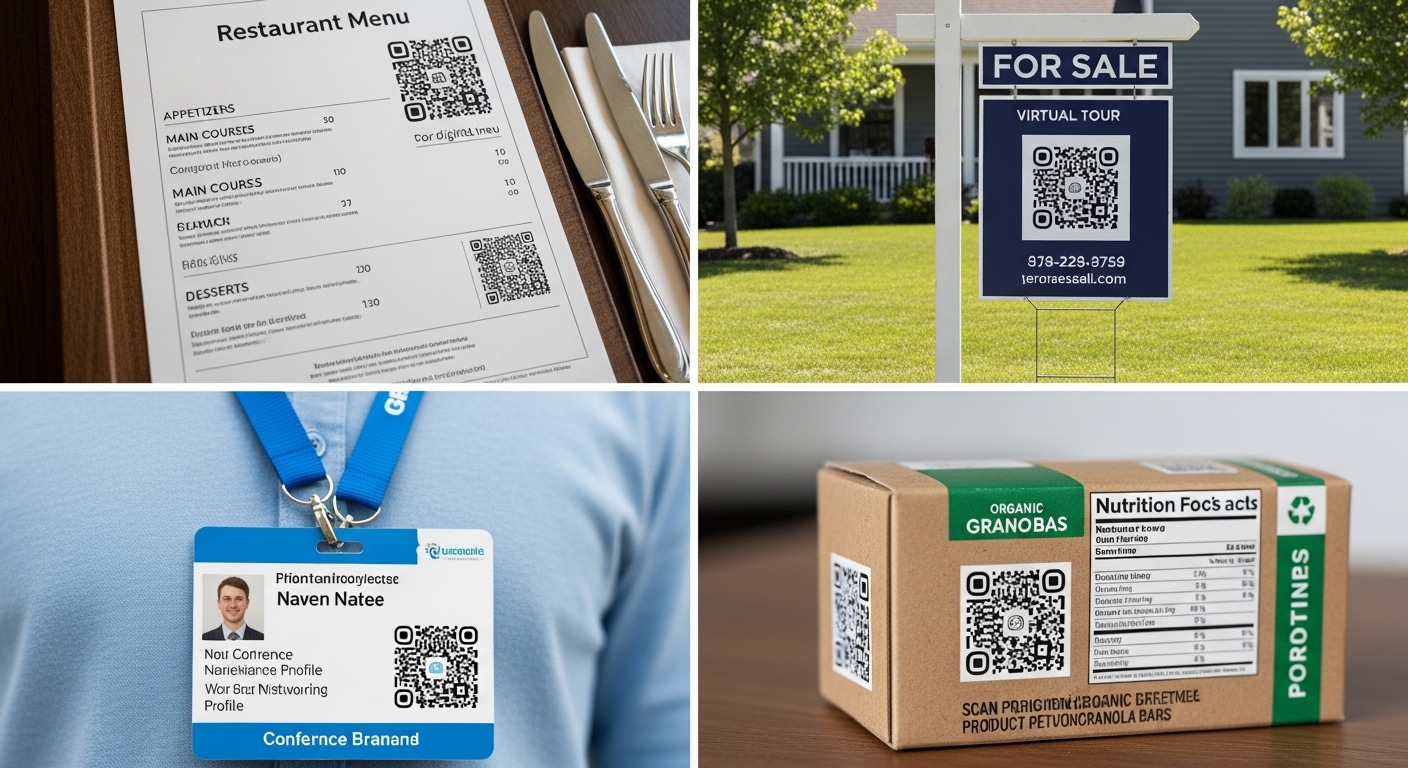
QR codes are no longer a novelty—they are a necessity. From restaurant menus to real estate listings, from business cards to billboards, these scannable squares connect the physical world to digital experiences instantly. Using a reliable QR code generator like the one from Yono-TV empowers you to create custom, high-quality QR codes in seconds, for free, with no technical headaches.
Whether you need a QR code for a marketing campaign, a business card, a classroom handout, or a Wi-Fi login page, the process remains simple: enter your content, customize the size, download the file, and share it anywhere.
Stop asking people to type long URLs. Start scanning. Try the Yono-TV QR Code Generator today and see how easy it is to bridge your offline audience to your online world.

Popular Tools
Recent Posts