 English
 العربية
 Deutsch
 Español
 Français
 Italiano
 Português
 Русский
 Türkçe
 Tiếng Việt
What Is My IP Complete Guide
What Is My IP? The Complete Guide to Finding Your Public IP Address
Your device is constantly communicating with servers, websites, and online services. At the heart of every single one of these interactions is a unique identifier known as your IP address. Whether you are troubleshooting a slow network, setting up a home server, or simply curious about how the internet sees you, understanding "What Is My IP" is a fundamental digital literacy skill.
If you have ever typed “What is my IP” into a search engine, you have likely landed on a tool page. One such example is the utility found at yono-tv.net/what-is-my-ip, which offers a clean, instant snapshot of your public facing digital identity. This article will serve as a deep dive into what an IP address is, why you need to know it, and how to use tools like the one on Yono-TV to stay informed.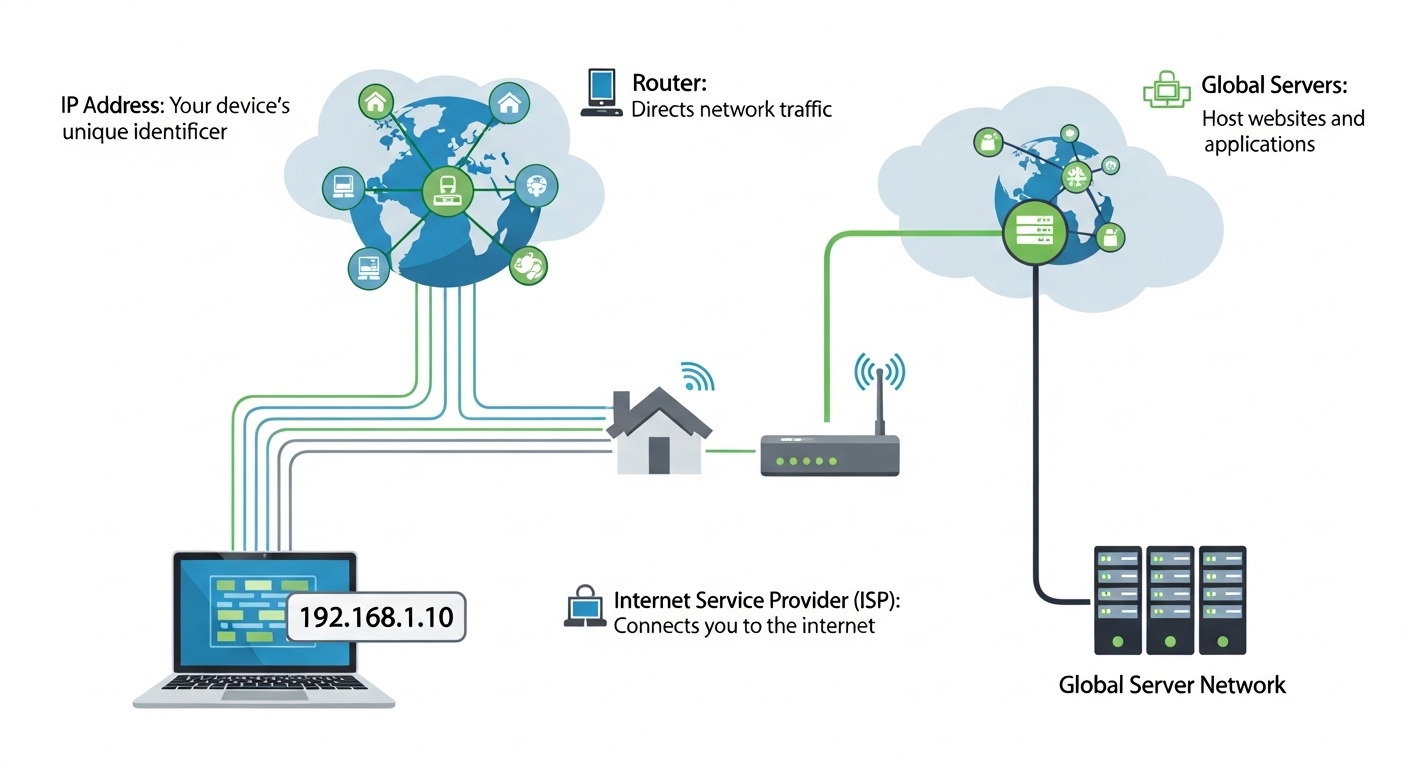
What Exactly is an IP Address?
Before we look at the tool itself, let’s break down the technical jargon. IP stands for Internet Protocol. Think of it as the postal address of your device on the internet. Just as a postal service needs a physical address to deliver a letter, the internet needs an IP address to deliver data (emails, web pages, videos) to the correct device.
There are two primary types of IP addresses:
-
Public IP Address: This is the address assigned to your router by your Internet Service Provider (ISP). It is the face your network shows to the outside world. Every website you visit can see this address.
-
Private IP Address: This is the address assigned to your specific device (laptop, phone, smart TV) by your router. These addresses are used for local communication within your home or office network and are not visible on the public internet.
When you visit a tool like "What Is My IP," the number you see—for example, 94.74.104.231 (as displayed on the Yono-TV tool)—is your Public IPv4 Address.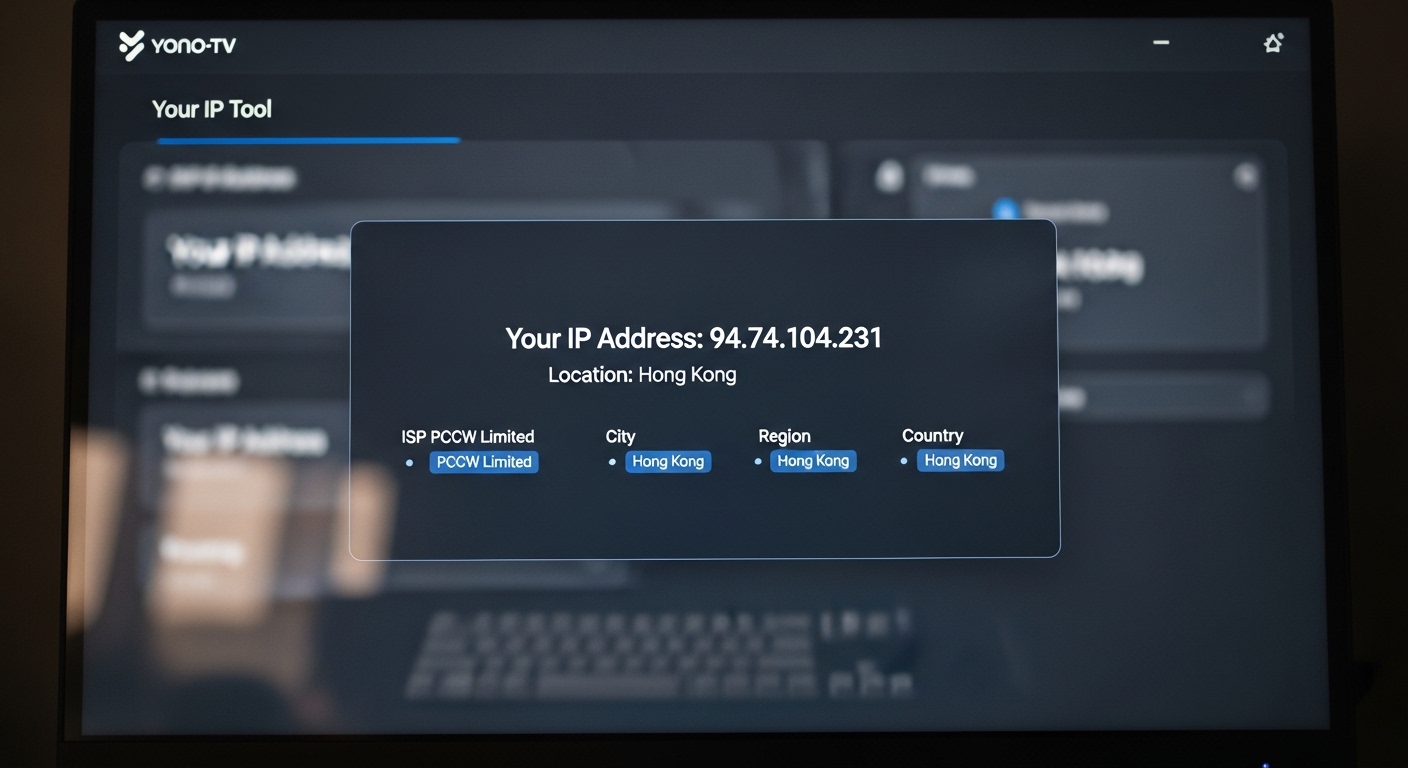
Why You Need to Know Your Public IP
You might wonder, "Why should I care about a random string of numbers?" Knowing your public IP is crucial for several practical reasons:
-
Remote Access: If you work from home and need to access your office computer, or if you want to access your home security camera while on vacation, you need to know your public IP address.
-
Online Gaming: Many multiplayer games and gaming servers (like Minecraft or Valheim) require you to share your IP address with friends so they can connect directly to your hosted game.
-
VPN Verification: Are you using a VPN to protect your privacy? The best way to check if it is working is to visit an IP checker. If the tool shows your real location (e.g., Hong Kong) instead of your VPN server's location, your VPN is leaking.
-
Troubleshooting Network Issues: When your internet goes down or runs slow, your ISP will often ask for your public IP to diagnose issues on their end.
-
Security Audits: Knowing what information you are broadcasting helps you stay privacy aware. If you see an IP location that doesn't match where you are, it could indicate a proxy or a compromised connection.
Introducing the Instant IP Detection Tool
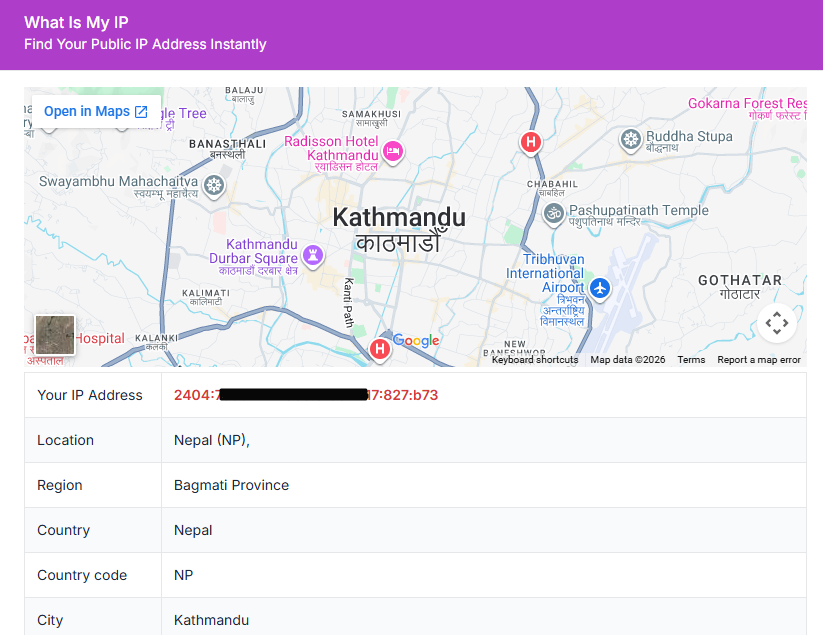
For those who want a no-fuss, immediate answer to "What Is My IP," the tool available at yono-tv.net/what-is-my-ip is a perfect solution. It functions as a digital mirror, instantly reflecting back the data your browser sends to every website you visit.
How It Works in 3 Simple Steps:
-
Open the Tool: Simply navigate to the URL on any browser.
-
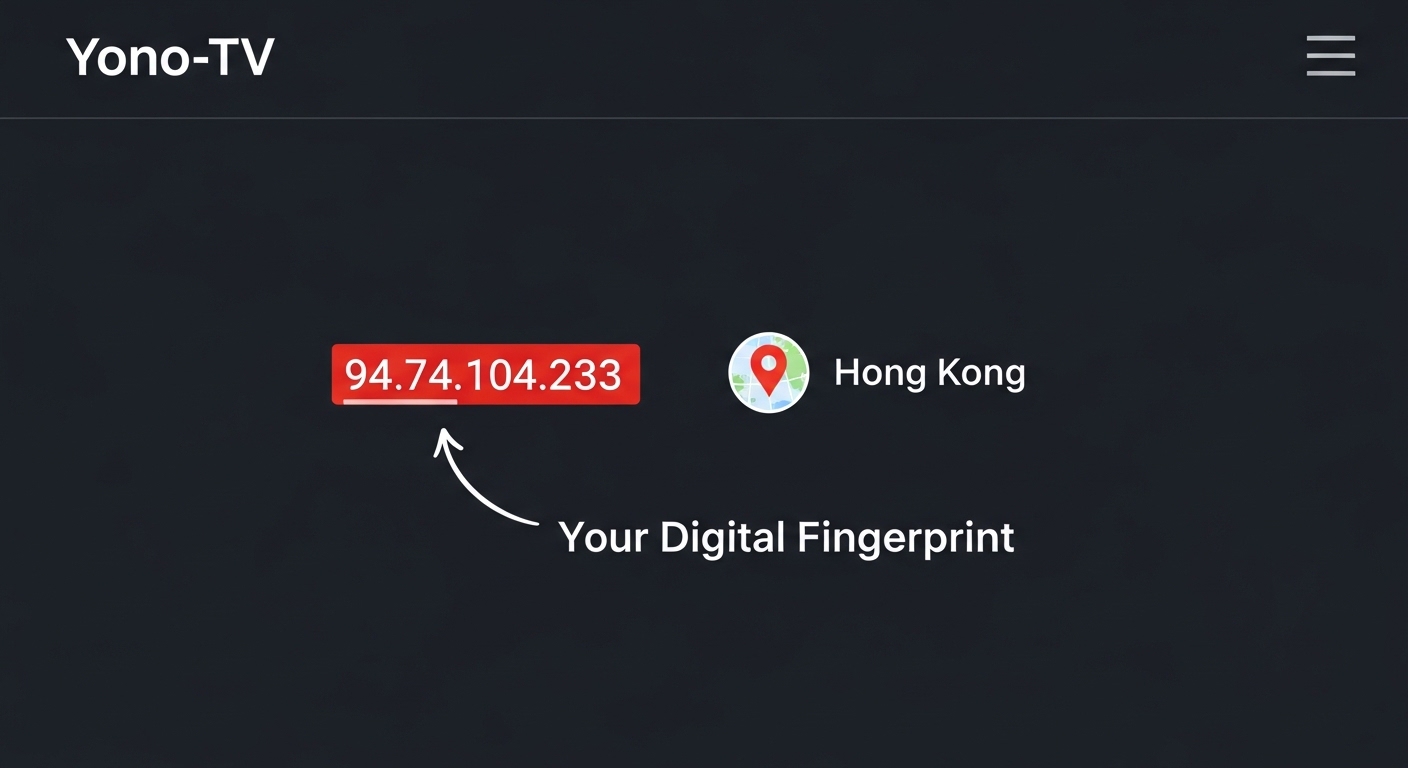
Automatic Detection: The moment the page loads, the server reads your connection request and extracts your public IP address.
-
View the Data: The tool displays your IP, approximate geolocation, and ISP information.
What Data Does an IP Lookup Reveal?
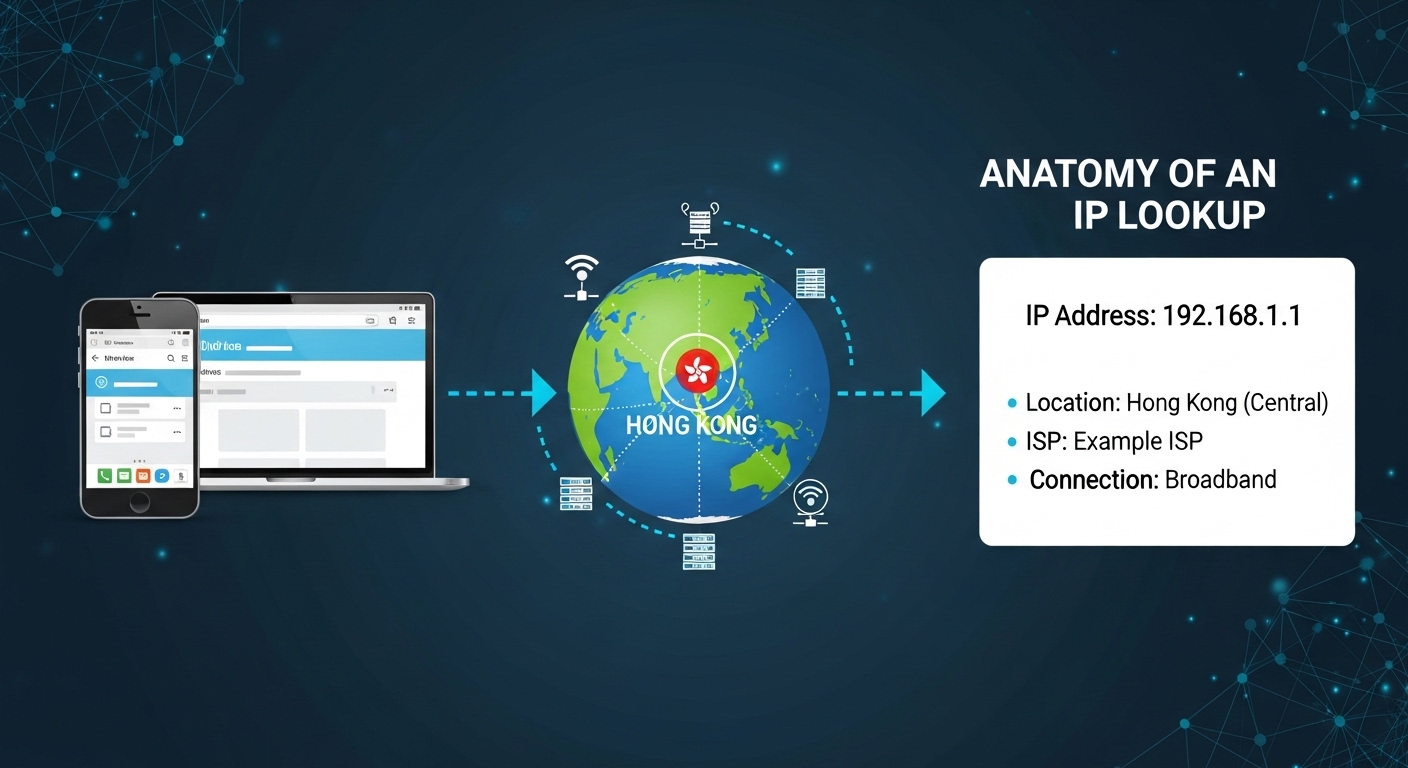
When you use a tool like "What Is My IP," you aren't just getting a number. You get a small dossier of information about your network connection. According to the features listed on the tool page, users typically see:
-
Your IPv4 Address: The standard 32-bit address (e.g., 192.0.2.1). This is the primary identifier.
-
IPv6 Address (if supported): The newer, longer format designed to replace IPv4 due to the shortage of available numbers.
-
City & Country (Approximate): This is a common misconception. IP geolocation is not your GPS location. It is generally the location of your ISP's regional hub. It might place you in the correct city, but it rarely shows your street address.
-
ISP Name: The company providing your internet (e.g., Comcast, BT, Reliance Jio).
-
Connection Type: Whether you are on mobile data, fiber, or DSL (though this varies by tool).
The Manual Search vs. The IP Tool
In the past, finding your public IP required digging through router admin panels or command prompts (ipconfig on Windows or ifconfig on Mac/Linux). These methods often show you your private IP, not the public one the internet sees.
Here is why a dedicated "What Is My IP" tool is superior:
-
Accuracy: Manual methods show your local network ID. The tool shows the actual global IP.
-
Speed: No logging into router interfaces or typing terminal commands.
-
Context: Manual methods don't tell you who your ISP is or where your traffic is geolocated.
Pro Tips for Using IP Lookup Tools
To get the most value out of the Yono-TV tool, consider these professional use cases:
1. VPN Testing
Run the test without your VPN turned on. Note your real IP and location. Then, turn on your VPN, refresh the page, and ensure the IP and location have changed. If they match, you are secure.
2. Remote Work Setup
Before leaving the office (or before starting your remote shift), check your IP. If your work requires a static IP whitelist, you need to ensure your home IP hasn't changed due to a router reboot.
3. Router Configuration
When setting up "Port Forwarding" for a game server or CCTV, you need to know your public IP to give to external users, and your private IP to set up the rule in the router.
4. Privacy Awareness
Use the tool to understand what data you leak. If the location is wildly inaccurate, that is actually good for privacy. If it is scarily accurate (down to your zip code), you might want to invest in a VPN or a proxy.
Frequently Asked Questions (FAQ)
Q: Is it safe to share my IP address?
A: Generally, yes. Every website you visit logs your IP. However, sharing it publicly on forums or social media increases your risk of DDoS attacks (in gaming) or targeted hacking attempts. Treat it like your phone number—safe to give to friends, but not something to post on a billboard.
Q: Does this tool store my data?
A: Reputable tools like the one described on Yono-TV explicitly state: "No login required. No personal data stored." They use only the public IP info to show you the result and do not save it to a database.
Q: Why does the tool show the wrong city?
A: IP geolocation databases are maintained by third-party vendors. If your ISP registered their IP block in a neighboring city, the tool will show that city. It is an estimate, not a GPS fix.
Q: Can I hide my IP address?
A: Yes. You can hide your IP by using a Virtual Private Network (VPN), a web proxy, or the Tor browser. These services route your traffic through a middleman server, so websites see that server's IP, not yours.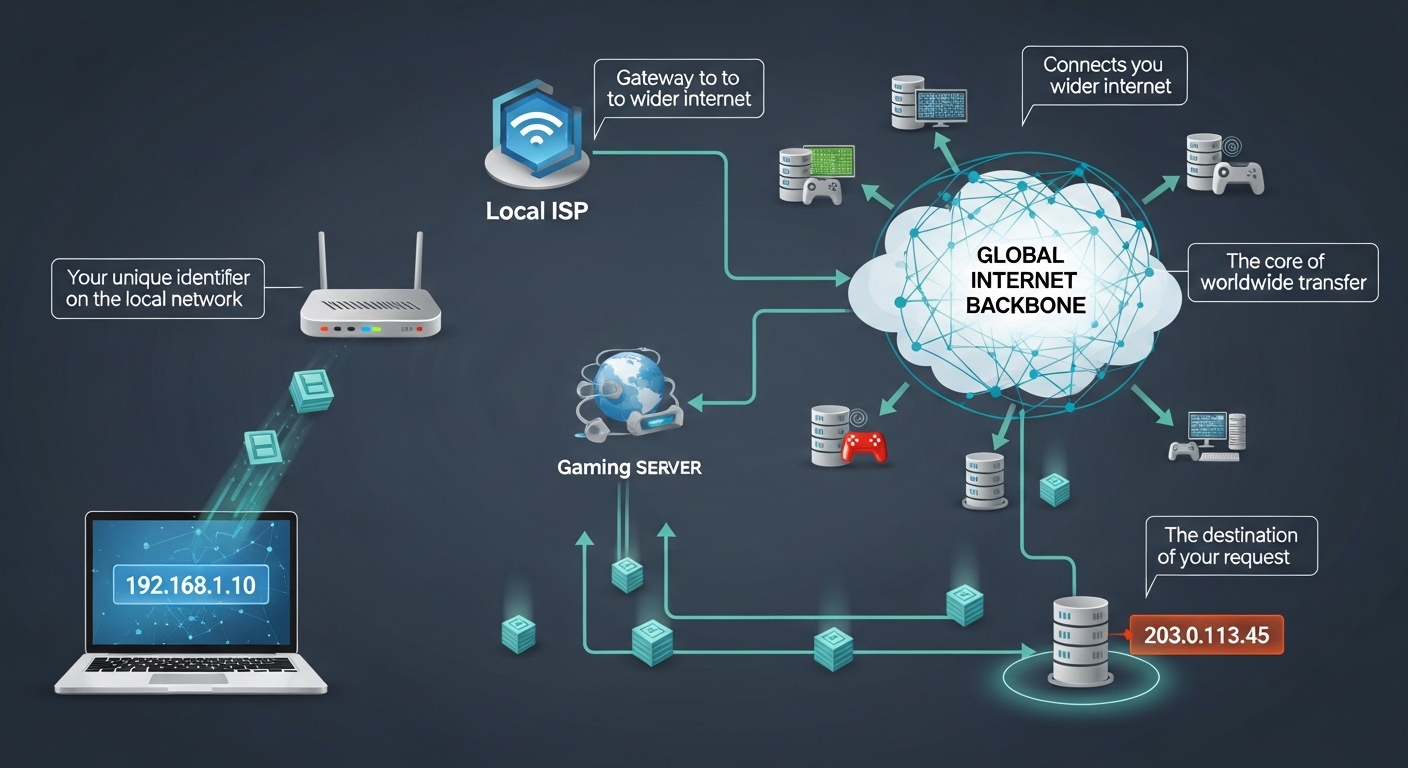
Final Verdict: Why You Should Bookmark an IP Tool
The internet is a vast network of interconnected machines, but it relies on the humble IP address to function. Whether you are a network technician debugging a corporate firewall, a developer testing an API, or a student learning how the web works, knowing your public IP is non-negotiable.
Tools like the one hosted on Yono-TV are essential for the modern internet user. They bridge the gap between complex networking protocols and human understanding. By offering instant detection, IPv4/IPv6 support, and ISP information in a 100% free package, they empower you to take control of your digital footprint.
Actionable Step: Bookmark yono-tv.net/what-is-my-ip today. Use it to check your VPN status weekly. Use it to verify your location before logging into banking portals. And share it with friends who ask, "Why does Netflix think I'm in another country?"
Understanding your IP isn't just about tech support—it is about digital awareness. In a world where data is currency, knowing what your machine is shouting into the void is the first step toward securing it.

Popular Tools
Recent Posts