What is the Yono-Tv Image Compressor?
Why Image Compression Matters for SEO and User Experience
In today’s fast-paced digital world, speed is everything. Whether you’re running an online store, managing a blog, or simply sharing photos with friends, the size of your images plays a critical role in user experience and success. Large, unoptimized images are one of the biggest culprits behind slow-loading websites, frustrated visitors, and poor search engine rankings.
But what if you could shrink your image files dramatically without sacrificing the quality you worked so hard to capture? Enter Yono-Tv’s Image Compressor—a powerful, free, and surprisingly simple online tool designed to do just that. In this comprehensive guide, we’ll explore the importance of image optimization, how this tool works, and why it might be the perfect solution for your digital needs.
What is the Yono-Tv Image Compressor?
At its core, the Yono-Tv Image Compressor is a smart, browser-based utility that reduces image file sizes while striving to maintain visual quality. It’s built for anyone who needs images that are lighter, faster to load, and easier to share without the steep learning curve of professional editing software.
The philosophy behind the tool is straightforward: you shouldn’t need a degree in graphic design to optimize a photo. With a clean interface and a process that takes mere seconds, it demystifies compression, making it accessible to everyone—from seasoned web developers to students working on a last-minute project.
How It Works: Simplicity in Three Steps
One of the most appealing aspects of this tool is its simplicity. The process is distilled into three intuitive steps:
-
Upload Image: You can either drag and drop your file directly into the browser window or click to select it from your device. The interface is responsive and gives you immediate visual feedback.
-
Compress: A quality control slider lets you choose your desired balance between file size and image clarity. You’re in control, not a rigid algorithm.
-
Download: With one click, your newly optimized image is ready to be saved and used wherever you need it.
This streamlined workflow eliminates the friction often associated with online tools. There are no confusing settings, no mandatory account creations, and no hidden timers. It’s just upload, adjust, and download.
Before vs. After: The Real-World Impact
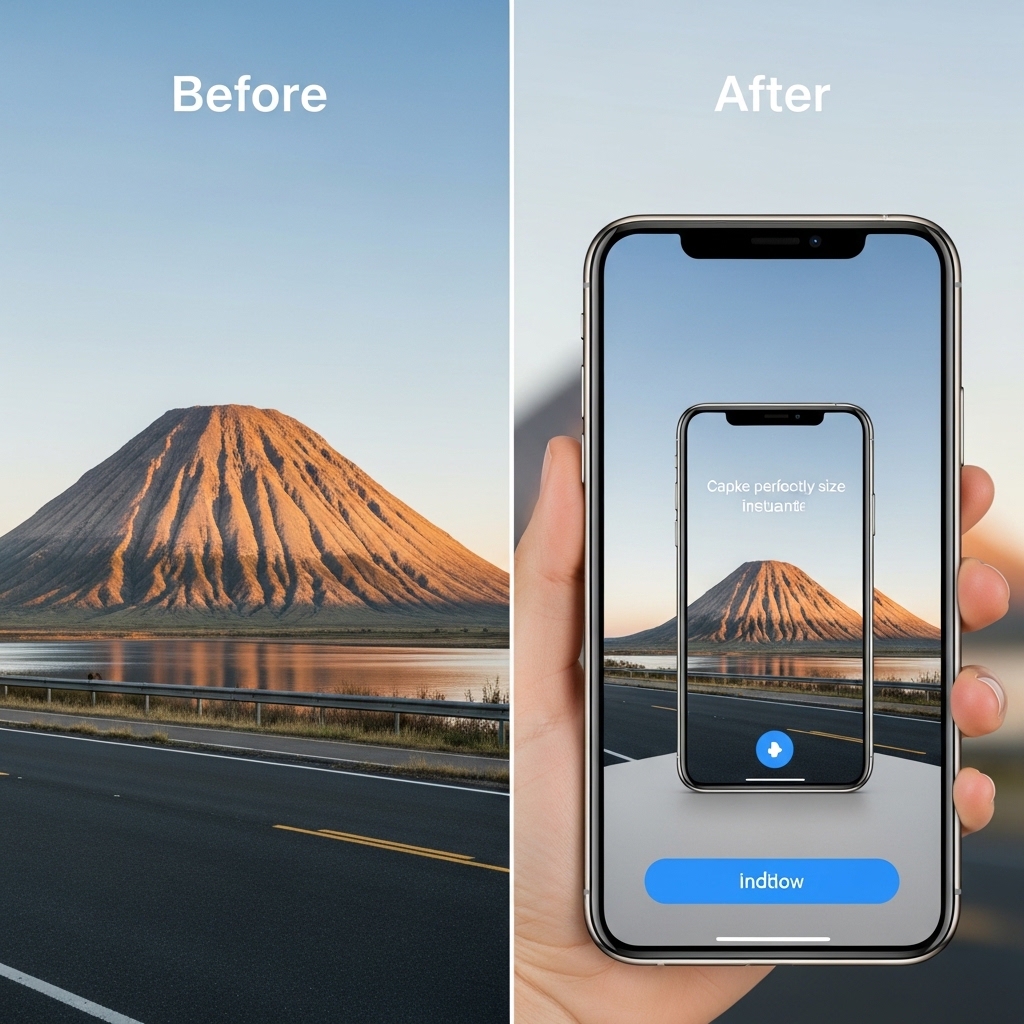
To truly appreciate the value of compression, it helps to look at the tangible results. The contrast between an uncompressed and a compressed image often tells the whole story:
| Before Compression | After Compression |
|---|---|
| Large File Size ❌ | Small File Size ✅ |
| Slow Loading Times ❌ | Fast Loading Times ✅ |
| Difficult to Share via Email ❌ | Easy to Upload & Share ✅ |
| Consumes Bandwidth & Storage ❌ | Saves Space & Data ✅ |
The difference is more than just numbers on a screen. For a website, shaving off even a few hundred kilobytes per image can reduce page load time by seconds. For an e-commerce seller, smaller images mean faster product page loads, which directly correlates to higher conversion rates.
Key Features That Set It Apart
While there are countless compression tools available, Yono-Tv’s offering includes a set of features that make it a standout choice:
-
Broad Format Support: It handles all the major formats you’re likely to need, including JPG for photographs, PNG for images requiring transparency, WEBP for next-gen web performance, and even GIF for animations.
-
Super-Fast Processing: The tool is optimized for speed. Even with larger files, the processing time is remarkably quick, ensuring you’re not left waiting.
-
Bulk Image Upload: Perhaps one of the most valuable features is the ability to compress multiple images at once. This is a massive time-saver for anyone working with batches of photos, such as photographers, real estate agents, or content creators.
-
Quality Control Slider: Unlike tools that apply a one-size-fits-all compression, this feature gives you granular control. Want maximum compression for a background image? Slide left. Need near-perfect quality for a hero image? Slide right.
-
100% Online and Free: The tool operates entirely in your web browser. There’s no software to install, no subscription fees, and no surprise paywalls. It’s genuinely free.
Who Can Benefit from This Tool?
The beauty of a well-designed compression tool is its universal appeal. Here’s a look at who can benefit most:
👨💻 Bloggers & Website Owners
For anyone running a content-driven site, speed is a core component of SEO. Google uses page load speed as a ranking factor. By compressing images before uploading them to your site, you can improve your Core Web Vitals, leading to better search rankings and a smoother experience for your readers.
🛒 E-commerce Sellers
Product images are the lifeblood of an online store. High-quality photos build trust, but large files can cause pages to lag. Compressed images ensure your product catalogs load instantly, reducing bounce rates and helping customers complete their purchases.
📱 Social Media Creators
Platforms like Instagram, TikTok, and Facebook have their own compression algorithms, but starting with a smaller, optimized file means less quality degradation. Plus, for creators who manage content across multiple platforms, smaller files are easier to store and upload, especially on mobile connections.
🎓 Students & Educators
From submitting portfolio pieces to creating presentations, students frequently need to share images. A compressed image is easier to email, upload to a learning management system, and embed in documents without hitting file-size limits.
📧 Email Users
Many email clients have size limits for attachments. Compressing images before attaching them can mean the difference between a message sending successfully or bouncing back as undeliverable.
A Quick Guide to Compression Levels
Not all images are created equal, and your compression needs may vary. The tool’s quality slider typically offers a range that can be broken down into three simple categories:
-
🟢 High Quality: This setting prioritizes clarity. The file size will be larger, but the visual difference from the original is minimal to imperceptible. Ideal for images you plan to print or use in a high-resolution portfolio.
-
🟡 Medium (Recommended): This is the sweet spot. It offers a perfect balance, reducing file size significantly while maintaining excellent visual fidelity for screens. For the vast majority of web and social media use, this is the best choice.
-
🔴 Low Quality: This setting maximizes compression to achieve the smallest possible file size. There will be a noticeable drop in detail and potential artifacts. Use this for placeholder images, thumbnails, or situations where file size is the absolute priority over quality.
Why Image Compression Matters for SEO and User Experience
If you’re managing a website, image compression isn’t just a “nice-to-have”—it’s a necessity. Here’s why it has a direct impact on your site’s health:
-
Boost Website Speed: This is the most obvious benefit. A fast website keeps users engaged. Statistics show that even a one-second delay in page load time can lead to a 7% reduction in conversions.
-
Improve SEO Ranking: Site speed is a confirmed Google ranking factor. By optimizing your images, you’re sending positive signals to search engine bots, helping your pages rank higher.
-
Save Storage Space: Whether on your hosting server or your personal device, smaller files mean you can store more without constantly worrying about hitting capacity limits.
-
Enhance User Experience: A fast, responsive site is a joy to use. Users are more likely to stay, explore, and return to a site that doesn’t test their patience with spinning load icons.
Security and Privacy: A Responsible Approach
In an era of growing digital privacy concerns, it’s reassuring to know how an online tool handles your data. Yono-Tv’s Image Compressor is designed with a responsible, privacy-first mindset:
-
No Installation Needed: The tool runs entirely in your browser, meaning you never have to download and install a third-party application from the internet, which can sometimes be a security risk.
-
Works in Browser: All processing happens locally or temporarily on secure servers designed to handle the task without storing your files permanently.
-
Files Not Stored: Your images are not kept on a server indefinitely. Once you’ve completed your session, the files are removed, ensuring your photos don’t linger in a database.
Pro Tips for Getting the Best Results
To truly master the art of image compression, consider these expert tips:
-
Use WEBP for Best Results: If your workflow allows it, the WEBP format often provides superior compression and quality compared to traditional JPGs. Many modern websites and browsers support it.
-
Don’t Over-Compress: It can be tempting to slide the quality to the lowest setting for maximum space savings. However, resist the urge. Always preview the result and ensure the image still looks good for its intended use.
-
Preview Before Download: Take a moment to visually inspect the compressed image. Make sure text is still readable, colors are accurate, and fine details haven’t been overly smoothed out.
-
Compress Multiple Images Together: If you’re working on a large project, take advantage of the bulk upload feature. Processing a whole folder of images in one go is far more efficient than doing them one by one.
Final Thoughts: A Tool That Delivers on Its Promise
The Yono-Tv Image Compressor is more than just a utility; it’s a testament to how simple, well-executed tools can solve real-world problems. It cuts through the complexity of file optimization, offering a fast, secure, and completely free way to make your digital life easier.
Whether you’re looking to speed up your website, streamline your social media workflow, or just save space on your phone, this tool is a valuable asset. It empowers you to take control of your digital media, ensuring that your images are always optimized for the task at hand—without sacrificing the quality that makes them memorable.
In a digital landscape where every kilobyte counts, having a reliable, easy-to-use image compressor in your toolkit is no longer a luxury—it’s a necessity. And with Yono-Tv, it’s available to everyone, completely free of charge.
Visit the Yono-Tv Image Compressor today and experience the difference for yourself. Your website’s load time—and your visitors—will thank you.

James Smith
CEO / Co-Founder
Enjoy the little things in life. For one day, you may look back and realize they were the big things. Many of life's failures are people who did not realize how close they were to success when they gave up.
Popular Tools
Recent Posts