What is a Password Generator?
Who Should Use a Password Generator?
Your password is the key to your kingdom. Whether it’s your email, online banking, social media, or work accounts, a single weak password can be the entry point for hackers looking to steal your identity, drain your finances, or lock you out of your own life.
Yet, despite the constant news of data breaches and cyber-attacks, many of us still rely on simple, easy-to-guess passwords. We use our pet’s name, a birthday, or the dreaded “password123.” This is where a reliable Password Generator becomes an essential tool, not just a nice-to-have.
Yono‑Tv, we understand that security shouldn’t be complicated. That’s why we’ve created a free, powerful, and easy-to-use Password Generator tool. In this comprehensive guide, we’ll explore why strong passwords are critical, how a generator works, and the best practices to keep your digital life secure.
What is a Password Generator?
A password generator is a software tool that automatically creates random, strong passwords for you. Instead of spending minutes trying to think of a password that meets the “must contain a number, symbol, and uppercase letter” requirement, a generator does the work for you instantly.
The tool on Yono‑Tv is a perfect example of a powerful online utility that helps you:
-
Generate strong, random passwords that are virtually impossible for hackers to guess.
-
Customize the length and character types to meet the specific requirements of different websites.
-
Improve the overall security of all your online accounts.
Using a password generator eliminates the human tendency to create predictable patterns, ensuring your credentials are unique and robust.
How a Password Generator Works (In 3 Simple Steps)
Using a tool like the one on Yono‑Tv is incredibly simple. It’s designed to be intuitive so anyone can enhance their security in seconds.
Step 1: Set Your Options
Before generating a password, you can customize it. You decide the length—security experts recommend at least 12 characters—and which character sets to include. You can mix and match:
-
Uppercase letters (A-Z)
-
Lowercase letters (a-z)
-
Numbers (0-9)
-
Special symbols (!@#$%&*)
Step 2: Generate the Password
Once your preferences are set, you simply click the “Generate” button. In an instant, the tool creates a random, highly secure password based on your specifications.
Step 3: Copy and Use
The final step is the easiest. With a single click on the “Copy” button, the new password is saved to your clipboard, ready to be pasted into a signup form or your password manager. It’s that fast and hassle-free.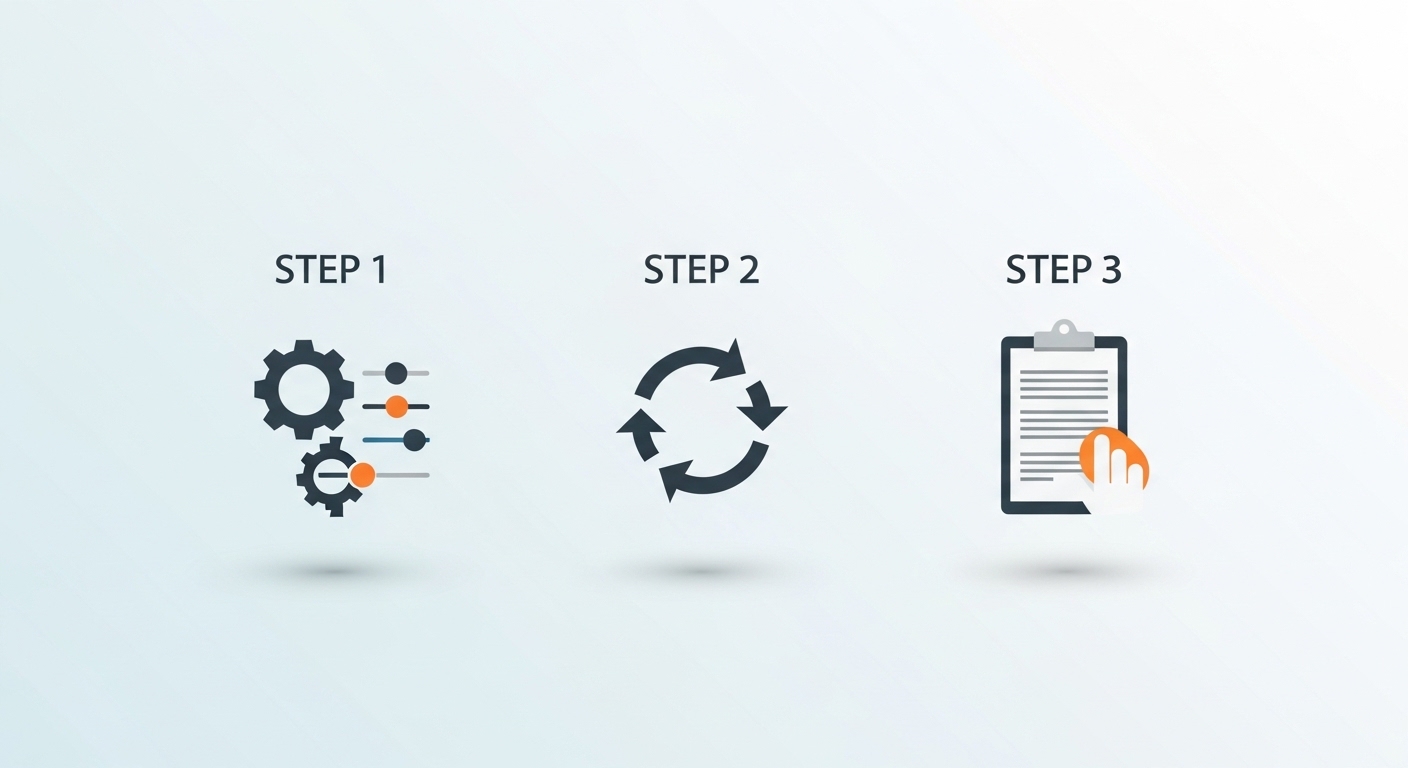
Why You Need Secure Passwords: The Risks of Weak Credentials
It’s easy to think, “I’m not important enough to be hacked.” But cybercriminals don’t target individuals; they target vulnerabilities. Weak passwords are the top security risk worldwide.
Here’s why robust passwords are non-negotiable:
-
Protect Your Email & Banking: Your email is often the central hub for password resets. If a hacker gains access, they can potentially lock you out of every other account, including your bank.
-
Secure Your Social Accounts: Social media accounts are not just for sharing photos. They are often used for identity verification and can be exploited to scam your friends and family.
-
Prevent Hacking & Breaches: Hackers use automated programs that can guess thousands of passwords per second. A simple password like “Sunshine1” can be cracked almost instantly. A complex, 12-character password with mixed character types would take centuries to crack with the same computing power.
-
Ensure Digital Safety: Strong passwords are a foundational requirement for any form of strong digital safety. They are your first line of defense.
Key Features of an Effective Password Generator
Not all password generators are created equal. A high-quality tool, like the one available on Yono‑Tv, offers a range of features designed for flexibility and security:
-
Customizable Length: The ability to create passwords from 6 to 20+ characters.
-
Character Set Inclusion: Options to include or exclude uppercase letters, lowercase letters, numbers, and symbols.
-
Instant Copy Button: A simple, one-click copy function to avoid typing errors and save time.
-
100% Free & Online: No subscriptions, no downloads, and no hidden costs.
Password Examples: From Weak to Unbreakable
Let’s look at a few examples to illustrate the difference a good generator makes:
-
Easy (Weak):
Sunshine1– This is a common pattern. A hacker’s dictionary attack would guess this in seconds. -
Strong:
F#7kP!x9zT2*– This 12-character password uses a mix of uppercase, lowercase, numbers, and symbols. It is highly resistant to brute-force attacks. -
Very Strong:
d#R8&xP@J3qV!mB5– At 16 characters with a complex mix, this level of password offers maximum security for highly sensitive accounts like your primary email or financial services.
The key takeaway is that stronger passwords mix all character types and are sufficiently long. The longer and more varied, the stronger your password.
Who Should Use a Password Generator?
The simple answer is everyone. But if you fall into any of these categories, a password generator is an absolute must:
-
All Internet Users: Anyone with an online presence needs secure credentials.
-
Professionals: Protect sensitive work data, client information, and professional communications.
-
Students: Secure access to educational portals, personal data, and academic work.
-
Online Shoppers: Safeguard your payment information and shipping addresses across multiple retail sites.
-
App & Game Players: Prevent account takeovers in gaming platforms, which are increasingly targeted for digital asset theft.
Security Best Practices for Managing Passwords
Using a generator is the first step. To truly fortify your digital life, you need to adopt these security best practices:
-
Use a Password Manager: A password manager is a secure application that stores all your generated passwords in an encrypted vault. You only need to remember one strong master password, and the manager autofills the rest. It’s the perfect companion to a password generator.
-
Don’t Reuse Passwords: This is arguably the most important rule. If you use the same password for multiple sites and one of those sites suffers a data breach, hackers will try that same email and password combination on other popular sites like Amazon, Gmail, and PayPal.
-
Use at Least 12 Characters: Passwords should be a minimum of 12 characters long. If a site allows it, 16 characters or more is even better.
-
Mix Symbols & Numbers: Always utilize the full range of characters available to maximize randomness.
Manual vs. Tool: Why Using a Generator is Superior
Some people still try to create passwords manually. Let’s compare the two approaches:
| Manual Guessing | Password Generator |
|---|---|
| Weak & Predictable: Human brains are biased. We use patterns, words, and dates. | Strong & Random: Generators use complex algorithms to create truly random sequences. |
| Hard to Remember: Trying to create a complex password manually often leads to writing it down on a sticky note. | Custom Options & Easy Management: The generated password is designed to be stored in a manager, not remembered. |
| Not Secure: The patterns we use are the first ones hackers try. | Secure for All Accounts: Ensures every account has a unique, uncrackable password. |
Safe and Secure: Your Privacy Matters
One of the biggest concerns people have is whether an online password generator is itself safe. You can rest easy with the Yono‑Tv tool:
-
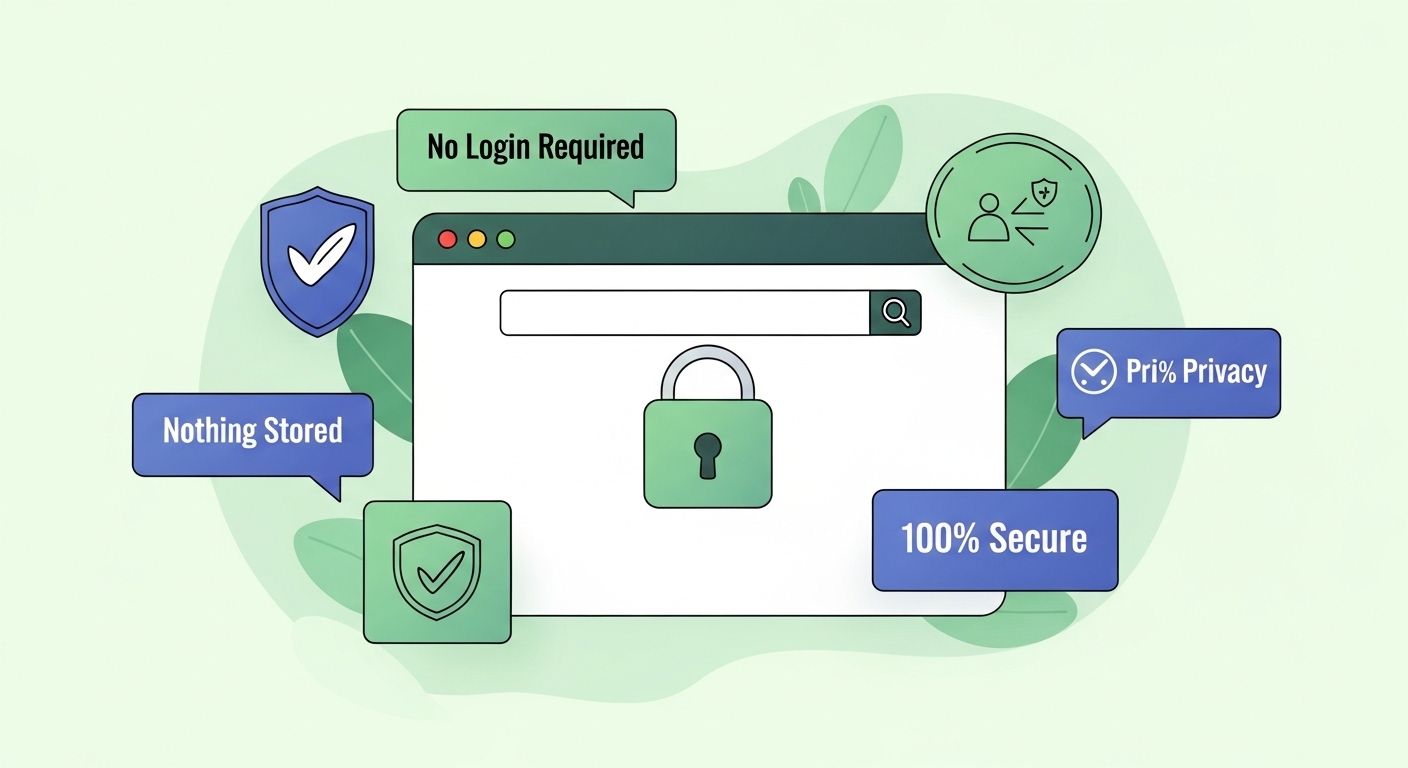
No Login Required: You can use the tool immediately without creating an account or providing any personal information.
-
Works Online, Stores Nothing: The generation happens in your browser. The tool does not store, log, or transmit the passwords you create.
-
No Risk: You create the password, copy it, and use it. There’s no risk of your newly generated password being compromised by the tool itself.
Frequently Asked Questions
Is it free to use?
Yes, the Yono‑Tv Password Generator is 100% free to use, with no limitations.
Are generated passwords safe?
Yes. The passwords generated are random, complex, and created client-side. They are as secure as a password can be.
Can I customize the options?
Absolutely. You have full control to choose the length and which types of characters (uppercase, lowercase, numbers, symbols) to include.
Final Thought: Take Control of Your Security Today
The reality of the internet is that threats are constantly evolving. Relying on weak, reused passwords is no longer a viable option. It’s like leaving your front door unlocked in a busy city—you’re just waiting for trouble.
Never reuse weak passwords. Instead, take control of your digital safety. Generate secure, unique passwords in seconds. It’s a simple, fast, and safe action that provides immeasurable peace of mind.
Ready to enhance your security? Try the Yono‑Tv Password Generator now and start protecting your accounts the right way. It’s a small step that makes a monumental difference in your online security posture.

James Smith
CEO / Co-Founder
Enjoy the little things in life. For one day, you may look back and realize they were the big things. Many of life's failures are people who did not realize how close they were to success when they gave up.
Popular Tools
Recent Posts